
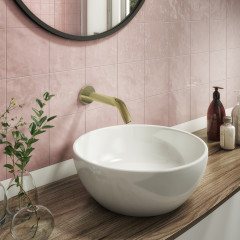

How to Houzz: Creating and Sharing Ideabooks
Part one in this new series covers Ideabooks, Houzz's cool, collaborative way to collect inspiration for your project

Want to start creating ideabooks? Here’s how.
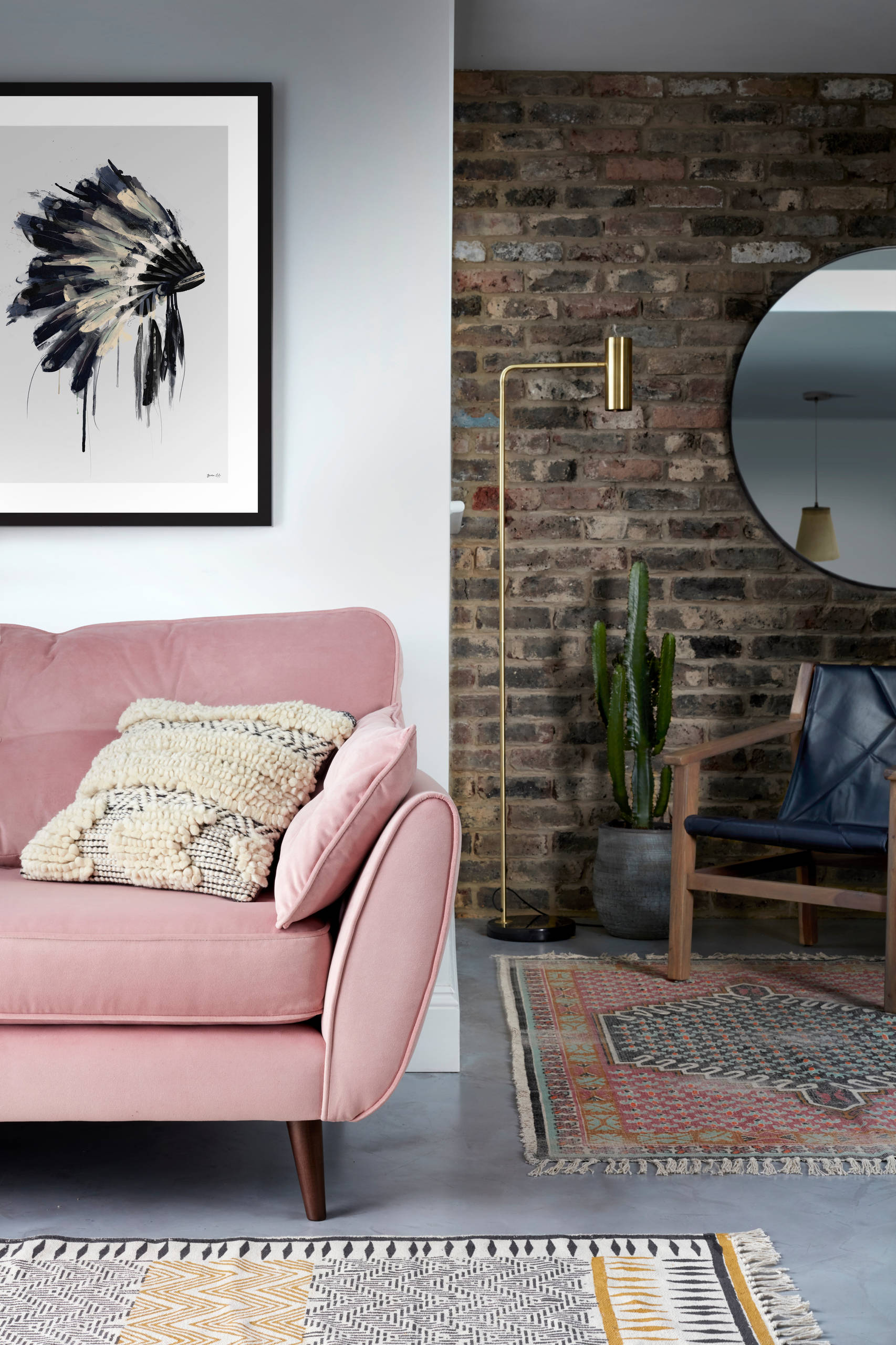

What can I do with an Ideabook?
1. Collect photos: as already mentioned, you can use your ideabook as a personal scrapbook to gather ideas and information for a project. Simply hit the heart symbol that appears whenever you hover over a photo on Houzz. Then save it to your new ideabook.
1. Collect photos: as already mentioned, you can use your ideabook as a personal scrapbook to gather ideas and information for a project. Simply hit the heart symbol that appears whenever you hover over a photo on Houzz. Then save it to your new ideabook.
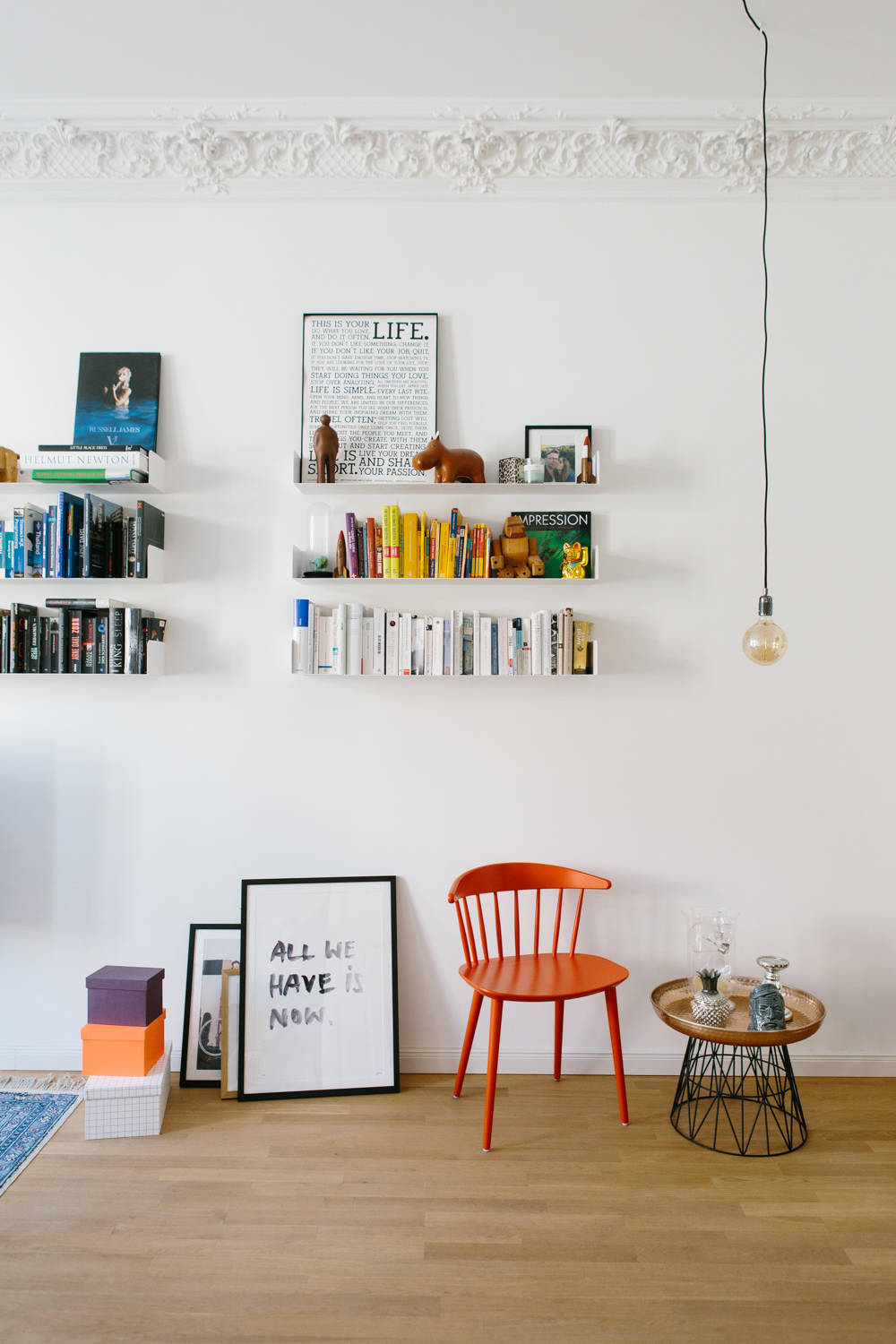
- Ideabooks are great for inspiring projects large and small – for instance, you can gather images of storage solutions for small bathrooms, search visual ideas for your kitchen extension or check out shelf displays; this photo came up using that last search term. Click on any of the links above to see what they’ll show you.

2. Share ideas: using an Ideabook as a communication tool is an additional and really useful option.
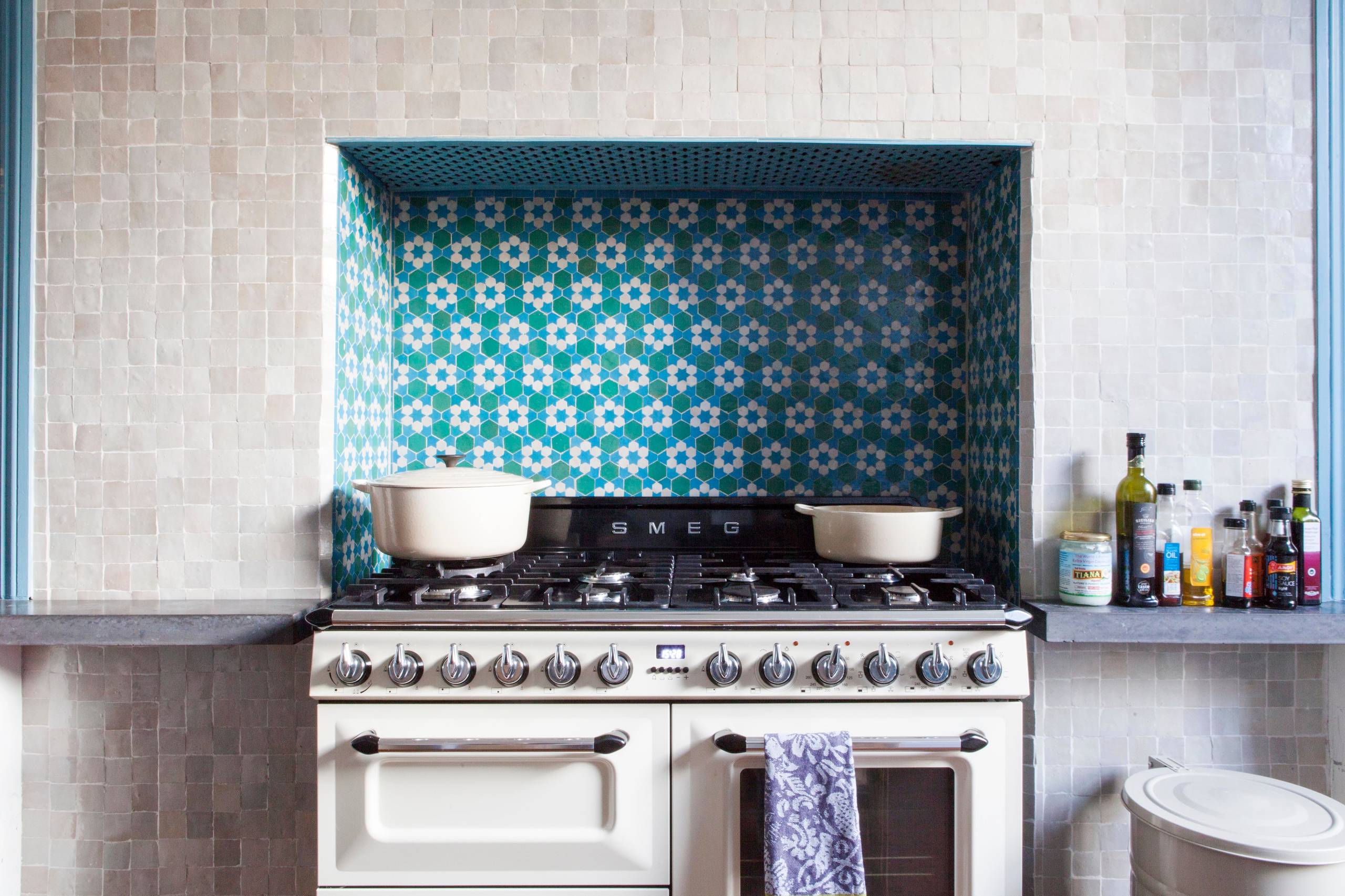
- Say you want to show your bathroom designer the overall look you’re aiming for, or to ask her or him if they know where to get hold of the tiles you’ve spotted in a particular photo, or to illustrate some interesting taps you’d like, or to ask if a particular layout would work in your own space – bingo.
- Here’s what to do: save the photos, make sure the designer has a profile on Houzz and share the ideabook in one of two ways. Either add them as a collaborator (hit the ‘Collaborate’ button at the top of the Ideabook and type in their email), or send them the URL, so they can simply view your Ideabook. Hover over each photo and a box headed “notes” will appear: here, you can type in questions and notes under each photo for them to read.
- You can also share Ideabooks with friends and family – especially handy at the ideas stage if you’re working on a project together.
Can I change the order of photos in my ideabook?
Yes! Simply drag and drop the photos to rearrange them.
However, do note that there are two viewing modes: you can toggle between right next to the Add New button.
Yes! Simply drag and drop the photos to rearrange them.
However, do note that there are two viewing modes: you can toggle between right next to the Add New button.
- The smaller squares view allows you to move your photos about.
- The view option with larger squares enables you to click on each photo to enlarge it and link through to the professional who uploaded it. Here, you can find out more information about the project and the pro behind it; where they’re based, contact details and you’ll also be able to browse other projects they’ve worked on.
Can I save photos I found elsewhere to Houzz to my Ideabooks?
This is something we get asked a lot and the answer is – yes!
This is something we get asked a lot and the answer is – yes!
- Hit the “Add New” button and you can drag and drop any photos you like into your ideabook.
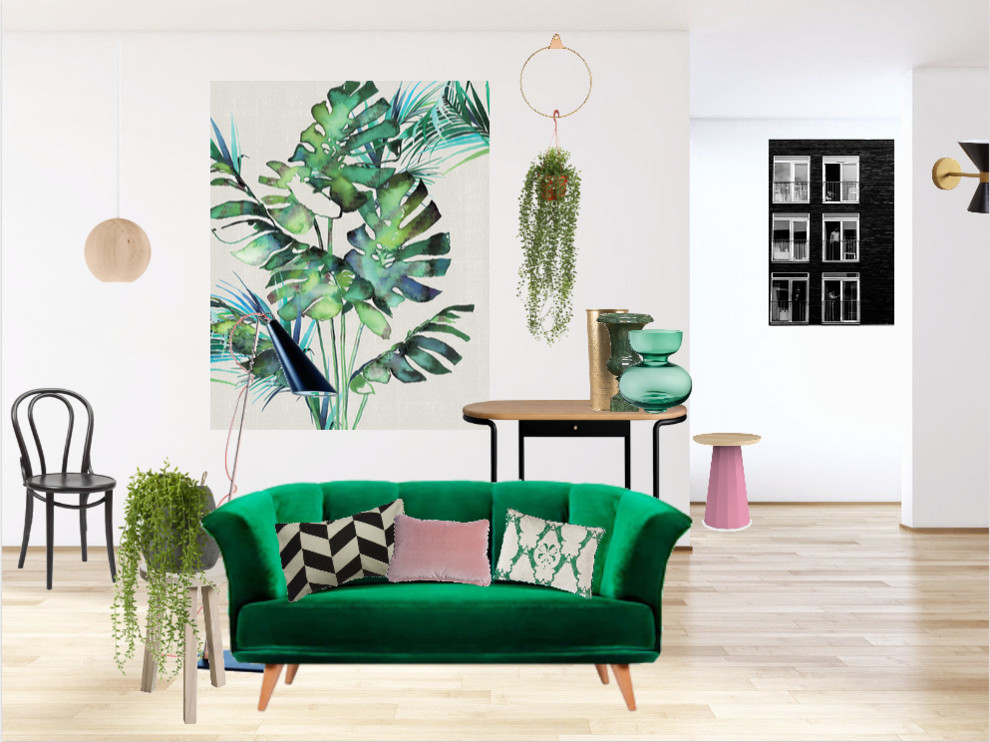
Can I use Houzz to make a mood board?
Your pro can do this for you.
While creating an ideabook is a brilliant starting point for any project, the next step is to present all this to your professional (see “Share ideas” above) and chat through your likes, dislikes, needs and wants.
If your designer uses Houzz Pro tools, they’ll be able use all this information to create a Houzz Mood Board to create a coherent and refined snapshot of how your new space could look.
Tell us…
What else would you like to know about using Houzz? Let us know in the Comments.

Sponsored
Think of an Ideabook as a scrapbook of ideas and inspiration to help you to improve your home. It’s even more useful than that, though. To discover how, read on.